A world of movement. One place to track.
Every shipment.
A little more clarity.
Follow your shipments, wherever they’re headed.
Just exploring? Try a sample shipment

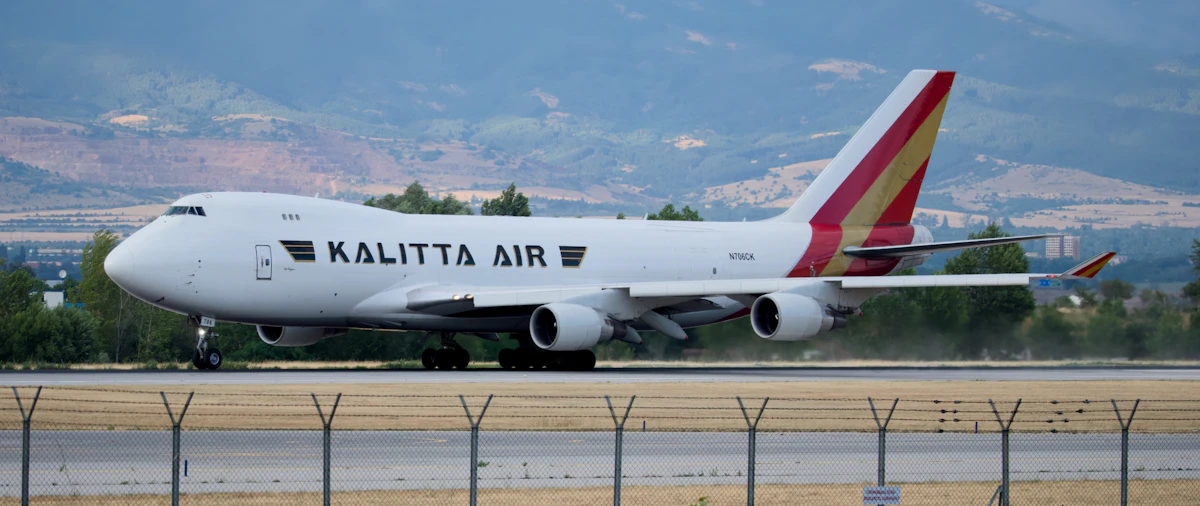

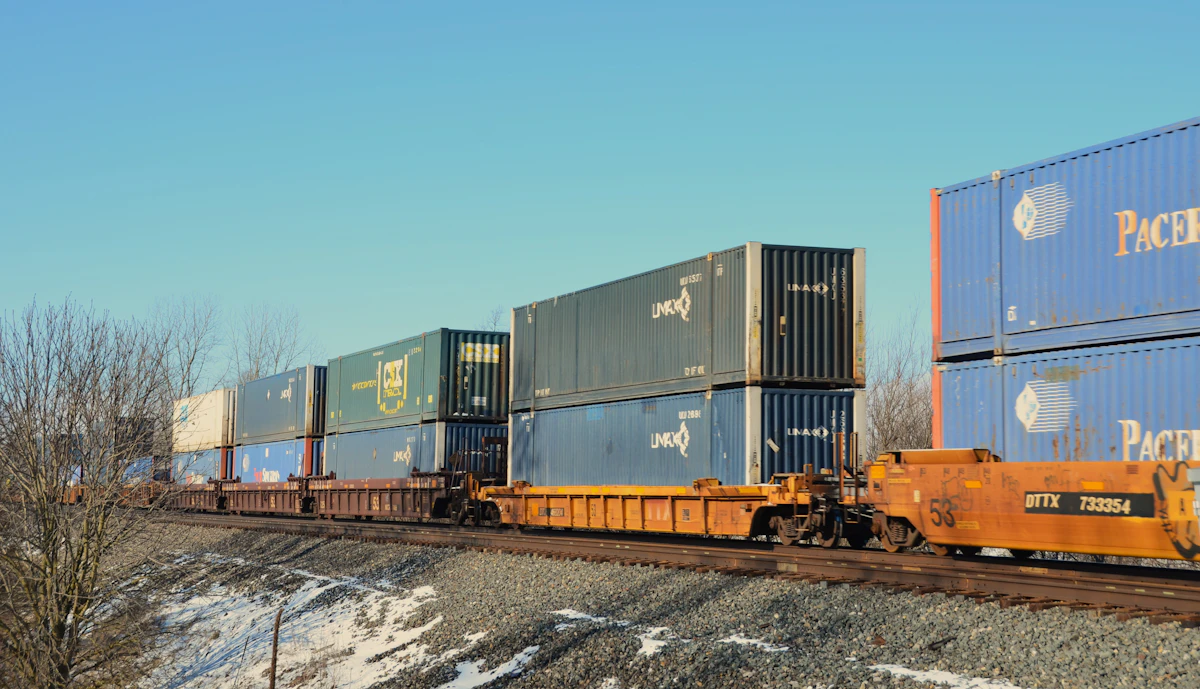
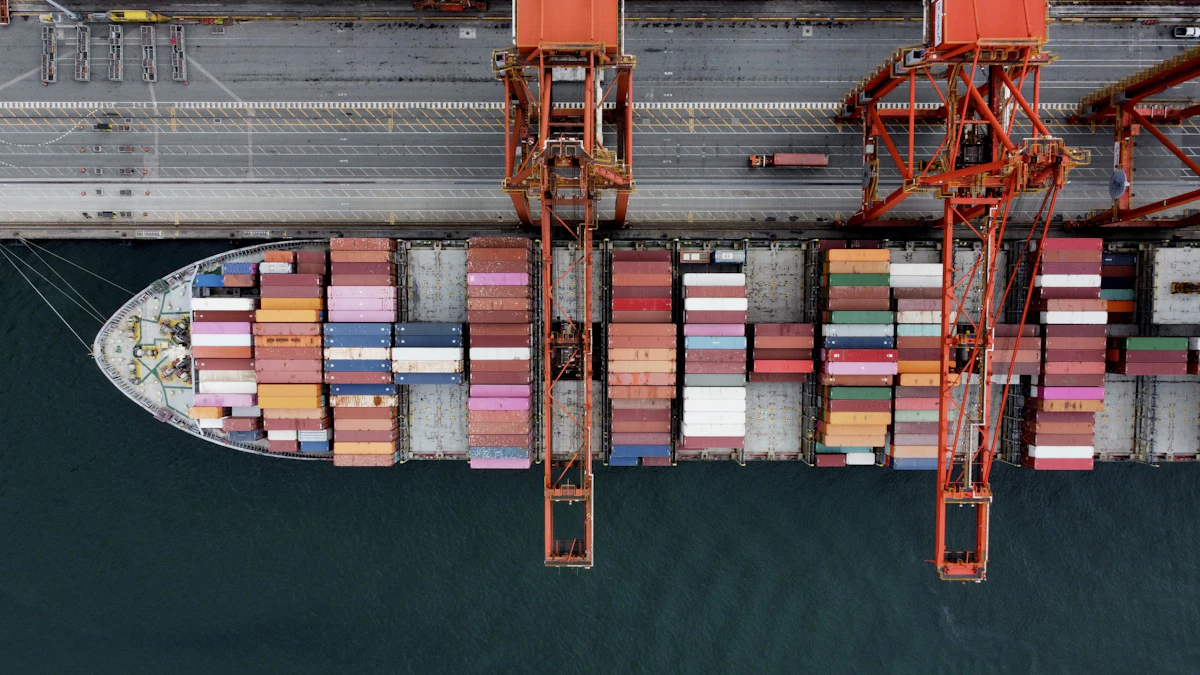
Across oceans. Through cities. To your door.

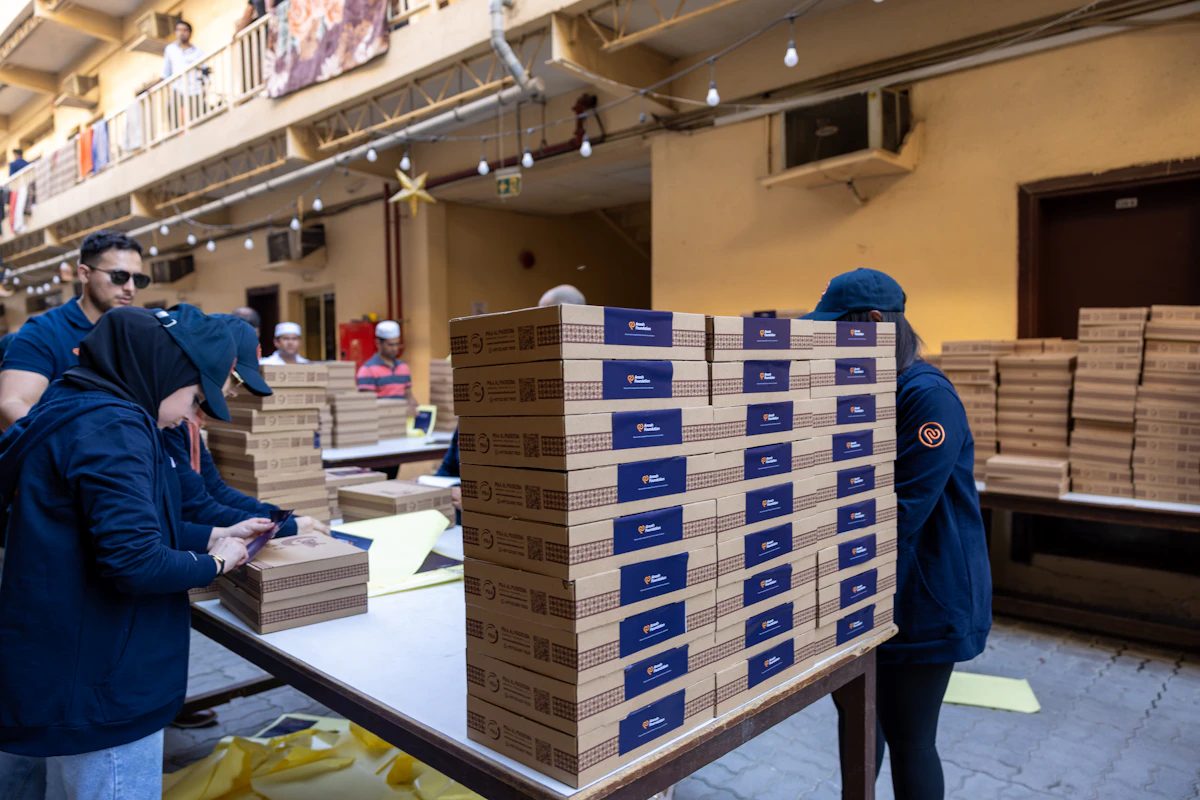
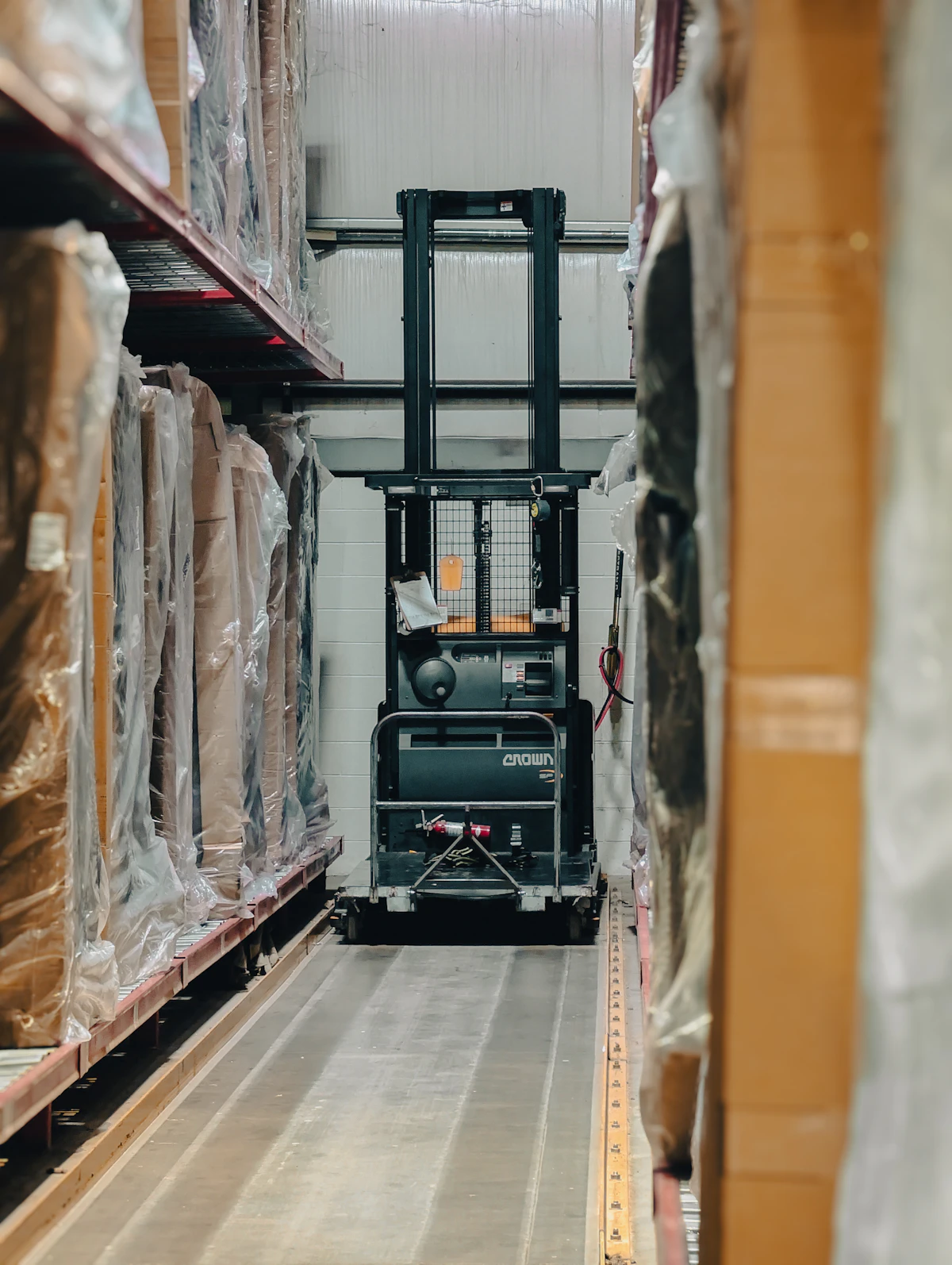
Closer to every delivery.
Your shipment details, in one place. From the first scan to the final delivery, keep the journey in view.
Carrier portals in one place
Stop switching between carrier websites. Click any carrier to open its live tracking.


Showing 8 popular carriers — search above or pick a category for more options.
Not just tracking. Shipment intelligence.
Check carrier events, organise shipment references, and plan freight costs. Available details depend on the carrier and data source.
How it works
From the right reference to a useful shipment check.
Enter your tracking reference
Copy the complete reference from your shipping document. Keep leading letters and digits; formatting spaces are removed.
Read available events
Check carrier scan locations, timestamps and available delivery estimates. Missing details remain unconfirmed.
Save your shipment
Sign in to save a shipment to your dashboard. Email status-change alerts are available on eligible plans.
Take the next step
Use the official carrier link or our tracking help checklist if updates stop, a reference is missing or delivery needs attention.
Start free. Scale as you grow.
No hidden fees. Cancel anytime. Upgrade or downgrade instantly.
Free
For individuals tracking parcels and land freight.
- Express courier tracking (UPS, FedEx, DHL…)
- Land freight tracking
- Available event timeline & illustrative route map
- Sea freight carrier redirect (official portals)
- PDF label scanner (AWB / BOL)
- Up to 10 saved shipments
- Air freight (MAWB) tracking
- Sea freight full timeline & vessel data
- Email status alerts
Pro
For importers, exporters and growing businesses.
- Everything in Free
- Air freight (MAWB) tracking where supported
- Available sea freight timeline & vessel details
- Unlimited saved shipments
- Email status change alerts
- Advanced analytics dashboard
- Shipment status summaries
- Priority email support
Business
For logistics operations, 3PLs, and enterprises.
- Everything in Pro
- Team access (not yet available)
- Customer API access (not yet available)
- Email support
- Request carrier coverage via support
Shipment tracking, explained.
Find the right tracking guide for your parcel or freight shipment. Trackora brings available carrier updates into one place, with links to official tracking when you need them.
How do I track a package?
Paste the complete tracking number from your shipping label, order confirmation or dispatch email into Trackora. Formatting spaces are removed automatically. For UPS, include the leading 1Z.
Why is my tracking number not showing updates?
Check that the number is complete and that you selected the correct carrier. A new shipment may not have its first scan yet. If carrier data is unavailable, use the official carrier link to check directly.
Does a tracking number confirm that a package has been collected?
No. A label or tracking number can be created before the carrier receives the package. Look for a collection, acceptance or movement event in the shipment timeline.
How do container and air cargo tracking differ?
Ocean freight may use a container number, bill of lading or booking reference. Air cargo commonly uses an air waybill. Select the matching reference type and carrier; available details depend on the data source.
Why is the delivery date missing?
An estimated delivery date is shown when it is available from the tracking source. If no estimate is supplied, Trackora leaves it unconfirmed instead of inventing a date.